Free · No sign-up · No watermark
QR Code Generator with Logo or Image – your picture, scannable.
Put your picture or logo in the centre of a QR code that opens your link. Add a link or text, add an image, and download a print-ready PNG — your image is placed on your device and never uploaded.
Build my image QR codeLogo & image QR generator
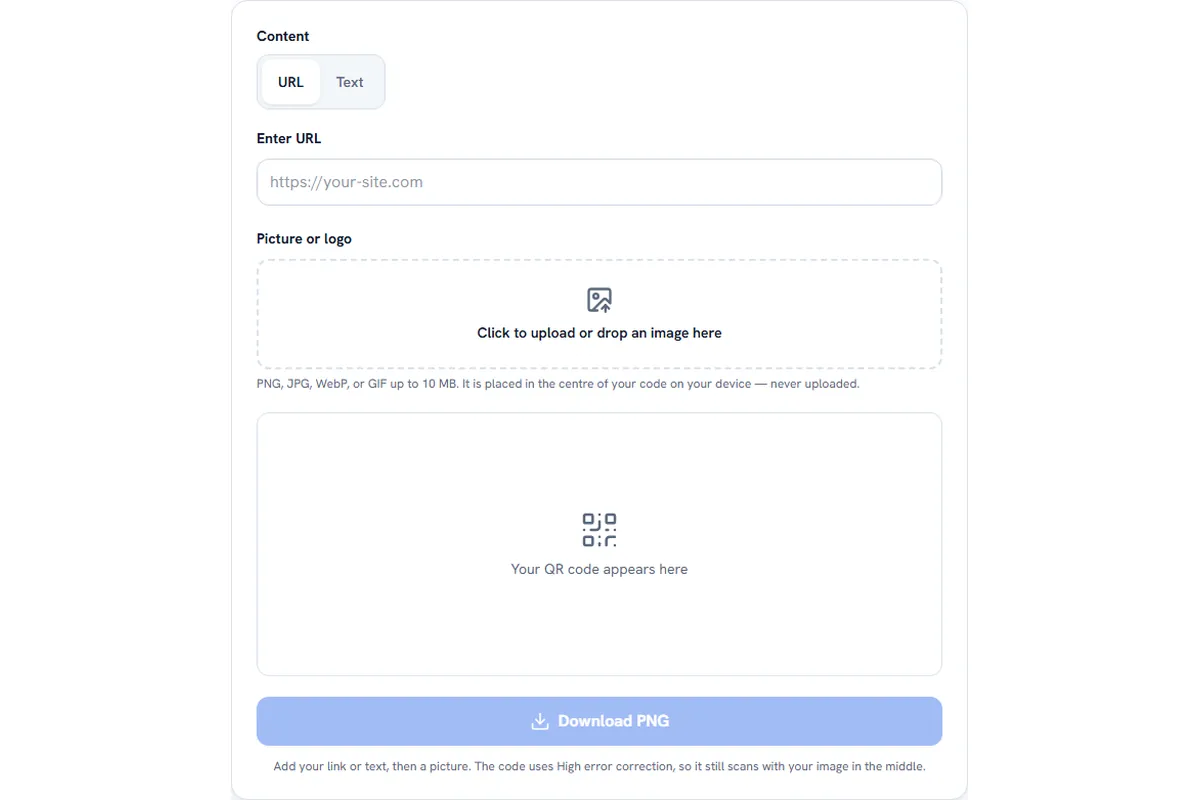
Build your logo or image QR code
Fill in the fields below and the code updates instantly. Nothing leaves your browser.
PNG, JPG, WebP, or GIF up to 10 MB. It is placed in the centre of your code on your device — never uploaded.
Your QR code appears here
Add your link or text, then a picture. The code uses High error correction, so it still scans with your image in the middle.
The two-minute version
What is an Image to QR Code?
An image QR code is an ordinary QR code with a logo or photo placed on a white tile in its centre. The data — your link or text — is still in the black and white modules around it; the picture covers part of them, and High error correction (about 30% recovery) rebuilds what it hides.
Keep the picture near 22% of the code’s width and test it before printing.
A QR code with your picture inside
An image QR code is a normal QR code with a logo or photo in the middle. It opens your link or shows your text when scanned, and the picture makes it recognisable at a glance.
Error correction makes room
QR codes store their data with redundancy, so at the High level up to 30% of the code can be covered and it still scans. Your picture uses part of that margin.
Logos, photos, and artwork
Use a brand logo on packaging, a profile photo on a business card, or event artwork on a poster. PNG, JPG, WebP, and GIF all work; transparent PNG logos look cleanest.
Step by step
How to create a QR code with an image
Add your link or text
Choose URL or Text and enter what the code should open or show when it is scanned.
Add your picture
Choose a PNG, JPG, WebP, or GIF. It is placed on a white tile in the centre of the code, and you can adjust its size.
Download and place it
Save a 1024 × 1024 PNG, scan it with your own phone to confirm that it works, then print or share it.
Where it shines
Best use cases for image QR codes
Branded packaging
Put your logo in the QR code on a box or label so scans feel like your brand, not a generic code.
Posters & flyers
A logo-centered code on a poster is more recognizable and more likely to be scanned.
Business cards
Add your face or company logo to the code on a card for a personal, professional touch.
Event signage
Brand the check-in or Wi-Fi code with an event logo so attendees know it is official.
What you get
Features of the Image to QR Code generator
Your image stays on your device
The picture is drawn into the code in your browser. It is never uploaded or stored by RoyaleQR.
Any picture up to 10 MB
PNG, JPG, WebP, or GIF — logos, photos, and artwork all work.
Print-ready PNG
Download a 1024 × 1024 PNG with the white quiet zone scanners need, sharp enough for screens and print.
Built to scan reliably
High error correction and a size limit of 30% keep the code readable by any phone camera.
Your data
Privacy & data handling
Your image is not uploaded
The Image to QR Code tool works entirely in your browser. Your picture and your link or text are combined into the QR code on your device and are never sent to RoyaleQR.
Nothing is stored
Because nothing is uploaded, RoyaleQR keeps no copy of your image. Close the page and it is gone from the tool.
The picture is part of the code
Your picture appears in the PNG you download, so anyone who sees the printed code sees the picture too.
Use images you have the right to use
Only add logos, photos, or artwork that you own or have permission to use.
Measured by RoyaleQR
How large can a logo be before a QR code stops scanning?
In our test of 22 codes with High error correction, a logo covering 15, 22 or 30 percent of the width left 21 still decoding; the one failure was a 1,000-character text code. At 35 percent, 20 decoded, and at 40 percent only 14. That is why this tool stops at 30 percent.
| Logo width | Decoded at 1024 px | Decoded at 128 px |
|---|---|---|
| 15% of the width | 21 of 22 | 21 of 22 |
| 22% of the width | 21 of 22 | 21 of 22 |
| 30% of the width | 21 of 22 | 20 of 22 |
| 35% of the width | 20 of 22 | 18 of 22 |
| 40% of the width | 14 of 22 | 14 of 22 |
How we measured: on 21 November 2026 we built each example with the same QR library and settings this site uses, shrank every code to smaller sizes, saved it as a low-quality JPEG, and decoded each copy with jsQR, the decoder our QR Code Scanner runs. The examples are test data, not real accounts.
QR Code has error correction capability to restore data if the code is dirty or damaged.
Frequently asked questions
Related articles
- How to Make a QR Code with a Logo or Picture
Put your logo or a photo in the center of a QR code that still scans: what the tool does for you, the size rule to follow, and how to test before you print.
- How to Turn an Image into a QR Code
Two meanings, one guide: link a hosted image with a QR code, or place an image inside a QR code. Both explained simply.
Ready to brand your QR code?
Create your Image to QR Code now — free, no sign-up, no watermark.
Build my image QR code